Collaborative Editing
Sync-in integrates collaborative editors. Teams can view and edit documents in a web browser while Sync-in permissions remain in effect.
Collabora Online, OnlyOffice, Euro-Office, and draw.io can be enabled together or individually according to file formats and user needs.
Access Requirements
- The administrator must deploy or configure the required editor services and enable their integration with Sync-in.
- Documents can be opened via the
Openaction in the File Manager. - A modern web browser is required.
When multiple office editors are enabled, document opening depends on the formats supported by each editor. If a format is supported by several editors, the user can choose which editor to use and, if desired, save this choice as the default preference (editable from their profile: Files).
Collabora Online
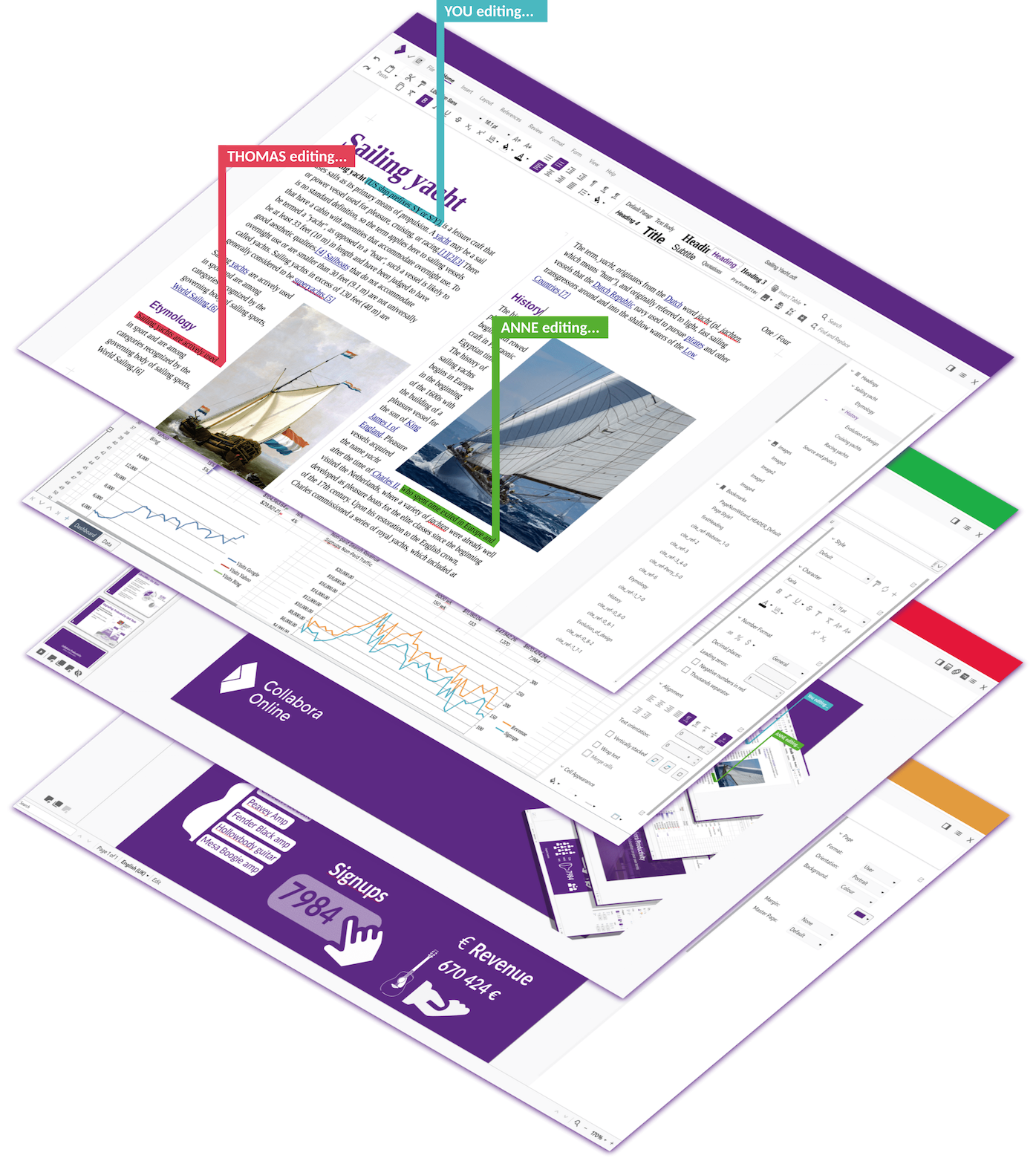 | Collabora Online is primarily aimed at environments based on open standards and free software. |
Particularly suited if:
- You want to rely on OpenDocument (ODF) formats as primary standards (.odt, .ods, .odp)
- You're looking for an open source solution, transparent and auditable, often required in public or regulated environments
- Data sovereignty and infrastructure control (self-hosting) are essential criteria
- You already use LibreOffice or want to ensure functional and ergonomic continuity with this environment
- Your documents are mostly simple to intermediate in terms of layout and advanced features
Collabora Online is a solid choice for organizations committed to an ODF, open source and sustainable approach.
OnlyOffice & Euro-Office
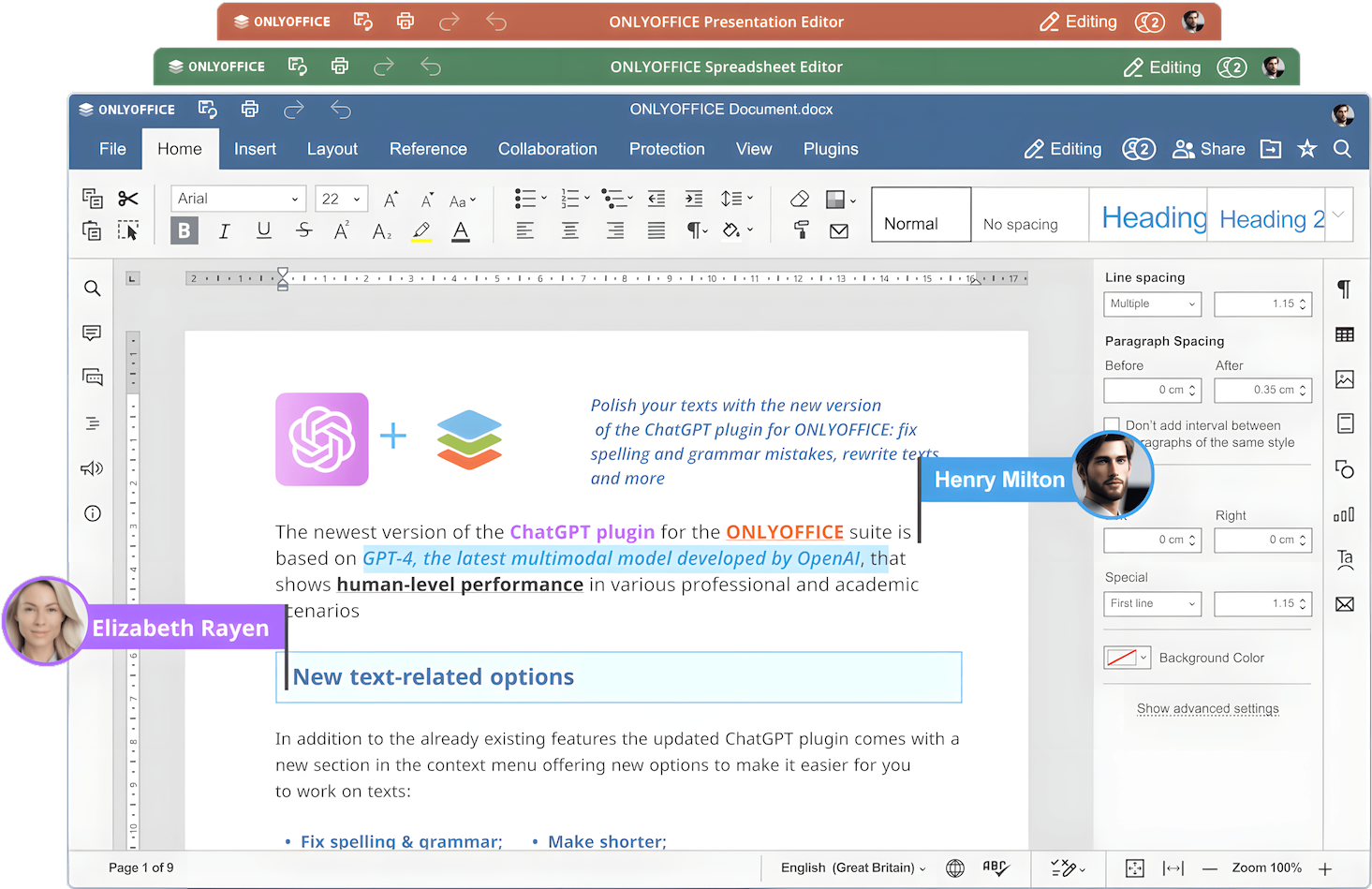 | OnlyOffice and Euro-Office are primarily aimed at uses oriented towards Microsoft Office formats. Euro-Office is a fork of OnlyOffice. |
Recommended if:
- Your users work primarily with .docx, .xlsx, .pptx files
- You're looking for maximum compatibility with Microsoft Office, including for complex documents (styles, tables, charts, simple macros)
- You want immediate adoption through an interface similar to Microsoft Office
- Your teams come from Microsoft environments and want to minimize habit changes
- You want to deploy OnlyOffice or its Euro-Office fork without changing the Sync-in file collaboration layer
OnlyOffice and Euro-Office are particularly suited for organizations that want a simple transition from Microsoft Office, without compromising the user experience.
draw.io
draw.io is intended for creating and editing diagrams directly in Sync-in:
.drawioand.dwbare native formats that can be viewed and edited directly..vsdxand.gliffycan be opened without converting them in advance.- When changes to an imported
.vsdxor.gliffyfile are saved, Sync-in asks for a file name and creates a new.drawiofile in the same directory. The source file remains unchanged. - Read-only users can view supported diagrams without being prompted to convert them.
Native diagrams use an exclusive Sync-in lock while they are being edited. Imported formats do not lock the source because changes can only be
saved as a new .drawio file.
Office editor comparison
| Criteria | Collabora Online | OnlyOffice & Euro-Office |
|---|---|---|
| 🧩 Technology | Based on LibreOffice | OnlyOffice-based office suite; Euro-Office is a fork of OnlyOffice |
| 🌍 Philosophy | Open source (AGPL / MPL depending on editions) | Open-core/fork-based deployments, with features depending on the edition |
| 📄 Native formats | OpenDocument (.odt, .ods, .odp) | Microsoft Office (.docx, .xlsx, .pptx) |
| 📂 Supported formats* | .odt, .ods, .odp, .docx, .xlsx, .pptx, .rtf, .txt, .csv | .docx, .xlsx, .pptx, .odt, .ods, .odp, .rtf, .txt, .csv |
| 📄 MS Office compatibility | Good, with possible limitations on complex documents | Excellent (native formats) |
| 💬 Comments & annotations | Yes | Yes |
| 🔐 Permission management | Inherited from Sync-in | Inherited from Sync-in |
| 🔒 File locking | Managed by Sync-in | Managed by Sync-in |
| 🌐 Client-side installation | None (web browser) | None (web browser) |
| 🏢 Typical use cases | Public sector, data sovereignty, open standards | Microsoft Office–oriented environments |
| 🎯 User experience | Similar to LibreOffice | Similar to Microsoft Office |
| 📈 Learning curve | Moderate (LibreOffice UI) | Low (familiar MS Office UI) |
*The supported formats listed above do not constitute an exhaustive list.